Random speaking order for stand-ups and meetings
By Arhum Waheed · Published · Updated
Every team has a default speaking order, and nobody chose it. In a room, it's whoever sits nearest the person running the meeting. On a video call, it's whoever unmutes first, which is usually the same two people. The quiet ones go last, when everyone's half-thinking about their next call.
Randomizing the order is a small fix. It won't make a bad meeting good. But it does stop the same voices setting the tone every day, and it ends the awkward "who wants to go next?" pause that eats a surprising chunk of a 15-minute stand-up.
Here's when it's worth doing, how to set it up for different kinds of meetings, and where I'd skip it.
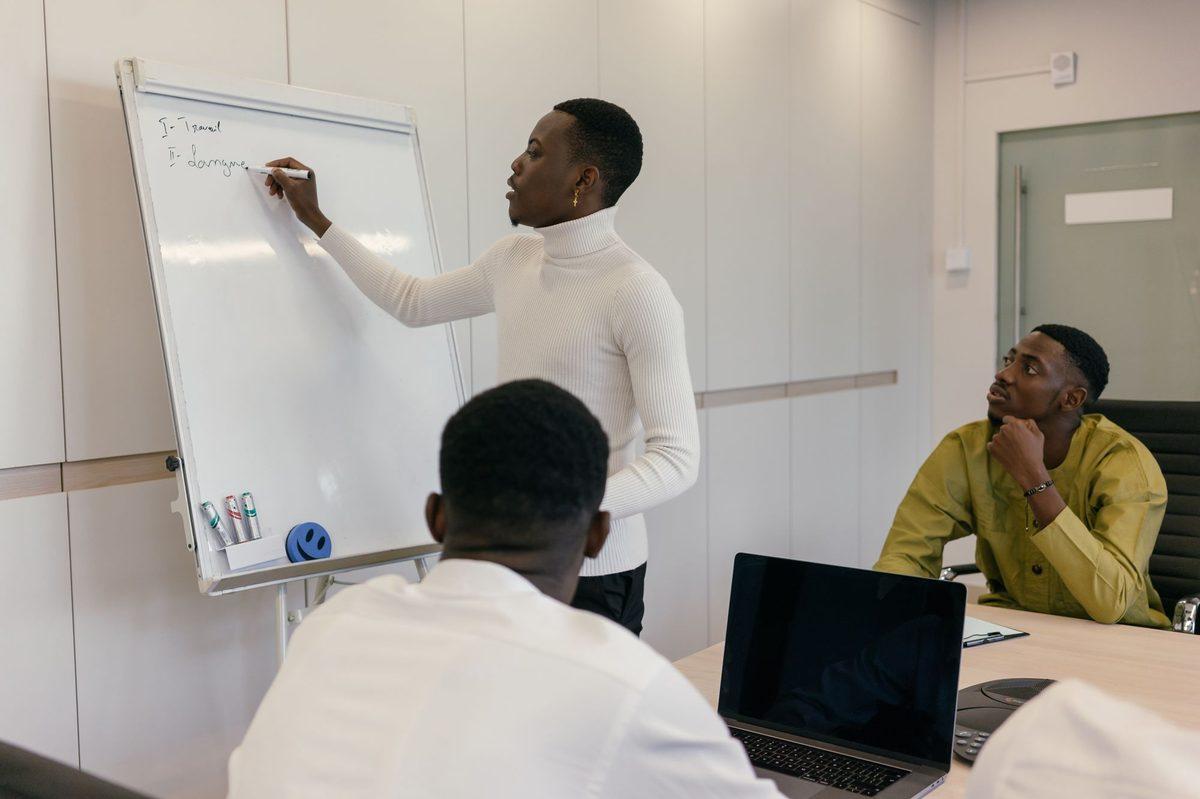 Photo: Mikhail Nilov on Pexels (Pexels License).
When random order helps
Daily stand-ups. This is the best use. Everyone gives a short update, the order doesn't matter for content, and a random order keeps people listening instead of rehearsing their bit while they wait for "their" slot.
Round-robin updates. Weekly team meetings where each person reports in. Same logic as stand-ups, just longer.
Retros and feedback rounds. When you want to hear from everyone before the discussion starts, a random order stops the most senior person's opinion from anchoring the room.
Workshops. After four breakout tables finish a 20-minute exercise, spin once per table for who reports back, with remove winner on so the same person isn't the spokesperson twice in a row.
When it doesn't
Agenda-driven meetings. If item 3 depends on item 2, order by topic, not by person.
Decision meetings. When the goal is to decide, you want the person with the most context to frame the problem first. Random order there is just theater.
When someone has to leave early. Let them go first. Fairness doesn't mean being rigid about it.
Very small groups. With three people, just go around. A spinner for three feels like a bit.
How to set it up
Open the random name picker and replace the sample names with your team, one name per line. There's a Meeting order example you can load and edit if you'd rather start from that.
Leave remove winner on. It's on by default on this page. Each name leaves the wheel once it's picked, so you spin until one name is left, and the order names come off is your speaking order. The last name on the wheel goes last.
A few small things save hassle:
- Your list stays in your browser. Tomorrow's stand-up starts with the same names already there, as long as you're on the same device and browser. You don't need an account.
- Two people with the same first name need an initial. Duplicate lines are skipped, so "Alex" and "Alex" would become one slice. Use "Alex P." and "Alex R."
- Late joiners: type their name in mid-meeting and they join the remaining spins. No restart needed.
- Absences: delete the line before you start, rather than spinning and skipping. Skipping announces to the call who isn't there.
- The wheel holds up to 60 names, which is plenty for any meeting where people take turns talking.
With remove winner on, the saved list shrinks as names come off. So press Copy before the first spin. Then you can paste the whole team back in for the next meeting in one go.
Stand-up: the 90-second version
For a daily stand-up, spinning before every person is slow. Spin the whole order up front instead.
Spin until the wheel is down to its last name, writing names in the meeting chat as they come up: "Order today: Priya, Tom, Kenji, Maria, Sam, Lee." That takes about a minute for eight people. Then the meeting runs on its own, because everyone knows who's after them. The spinning part's quick enough that nobody minds.
Some teams like to spin live before each update because it keeps people alert. That works for small teams. Past about eight people, the spin time adds up.
Retro: separate the order from the content
For a retro, the order matters more because early comments shape later ones. A pattern that works well:
- Everyone writes their notes silently first, for five minutes. No speaking yet.
- Then spin the order, and each person shares their notes in turn.
- Only after everyone's shared does open discussion start.
Silent writing does most of the work here. The random order just stops the loudest person from going first by default.
Remote meetings
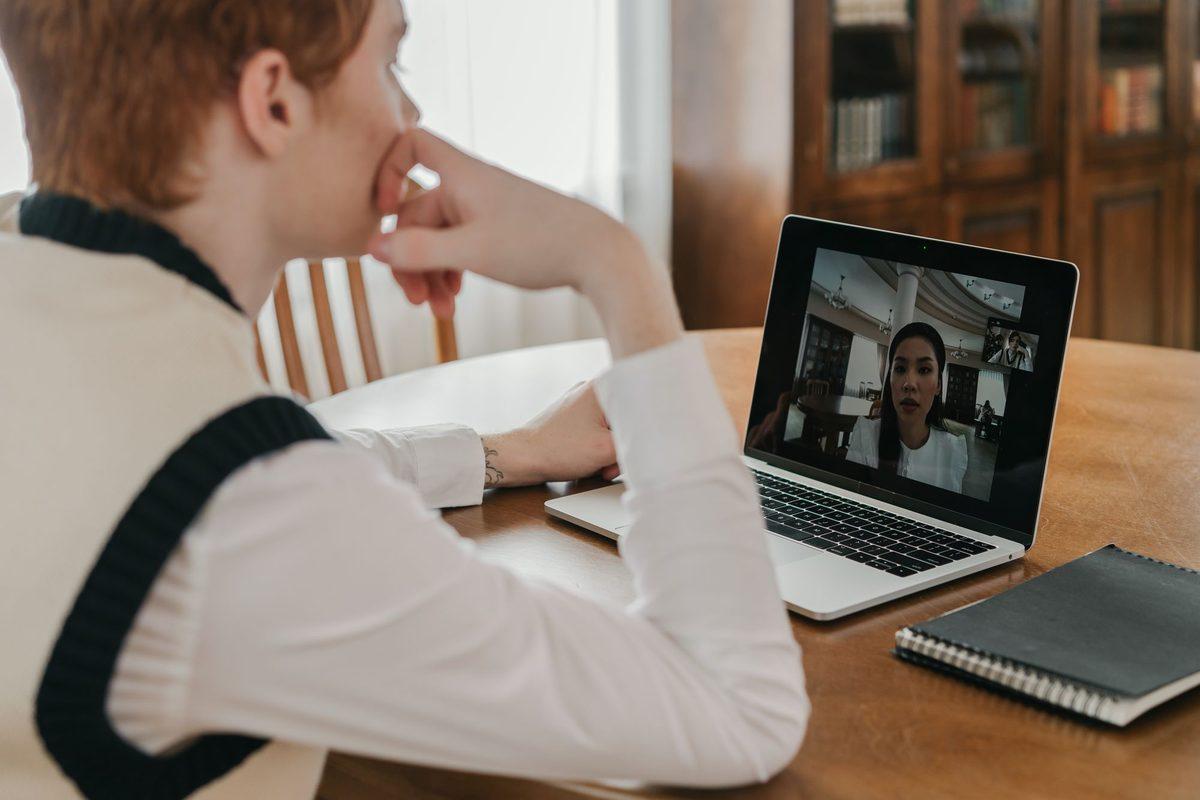 Photo: Pexels (Pexels License).
On a video call, share your screen when you spin so people can see the wheel isn't being steered. Paste the resulting order into the chat right away. People lose track of a spoken list after the third name.
If someone else runs the meeting next week, press Copy share link and send it to them. The link opens the same list on their device. Anyone with the link can see the names on it, which is fine for a team list but worth knowing.
Breakouts and pairs
If you need groups rather than a single order, for example four breakout rooms of five people, the random team generator splits the whole list in one go instead of one name at a time. Use the name picker for "who talks next," and the team generator for "who works with whom."
A worked example
Picture a team of nine with a 15-minute stand-up every morning. Without anyone deciding it, the manager always goes first, the two most senior engineers go next, and the newest hire goes last almost every day.
With a random order, each person has the same chance of any position. Over a working week of five stand-ups, the newest hire's chance of going last every single day is (1/9) to the fifth power, roughly 1 in 59,000. In practice they'll be somewhere in the middle most days, and so will everyone else. Nobody "owns" a slot.
What the team will likely notice first isn't the fairness. It's that the stand-up stops having a ten-second silence between each person while everyone waits to see who'll go.
Habits that keep it working
- Spin where everyone can see. If people can't see it, they'll assume you picked.
- Let people pass once. "Can you come back to me?" is fine. Come back at the end.
- Don't use the wheel to pick who gets the bad task. The moment the picker is attached to chores, people start resenting it. Keep it for turns.
- Drop it when it's not helping. If your team already shares airtime well, you don't need a picker. It's a tool, not a ritual.
Frequently asked questions
How do I randomize the speaking order for a stand-up?
Paste your team into the random name picker with remove winner on and keep spinning. Each name that comes up speaks next, and whoever is left at the end closes the stand-up. Post the order in the chat so nobody loses track.
Does the list save for tomorrow's meeting?
Yes, in the same browser on the same device. Because picked names leave the wheel, the saved list will be short after a meeting; paste the whole team back in before the next one.
Can a co-facilitator use the same list?
Press Copy share link and send it to them. The link opens the same wheel with the same names on their device.
What if someone joins the meeting late?
Type their name in. They're included in the spins that are still to come, and nobody has to start over.
Should the facilitator be on the wheel?
If they also give an update, yes. If they're only running the meeting, leave them off and let them speak at the end.